Showing posts with label Procreate. Show all posts

Monday, 17 May 2021

#30Faces30Days in Procreate with Sktchy

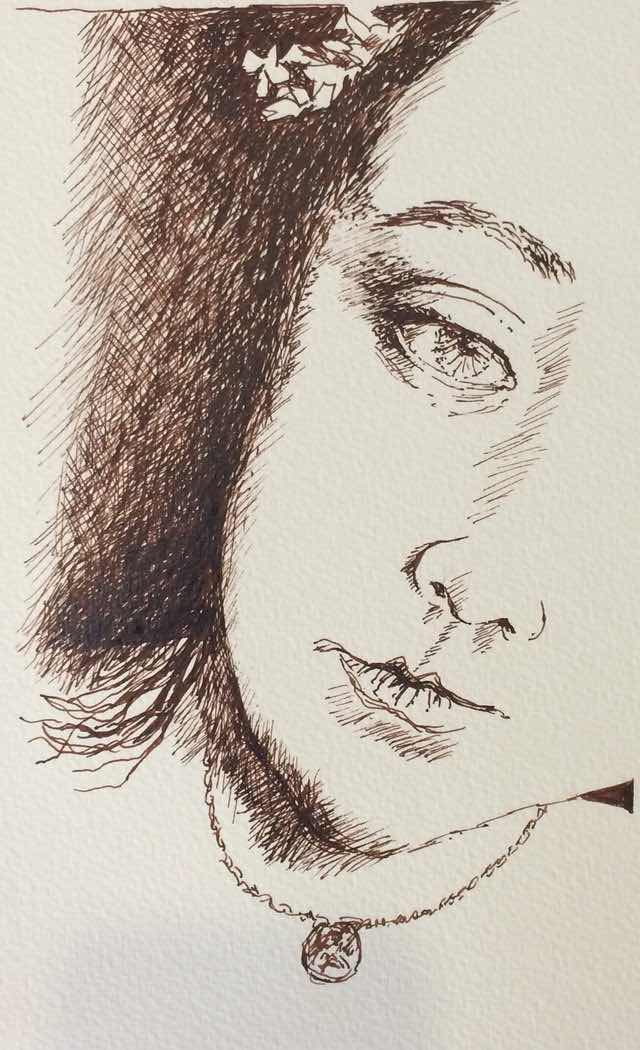
I posted my first ink drawing in April 2015, having heard about Sktchy through my friend Joan Martin.


Sktchy is an online community that fosters creativity with a particular focus on portraiture. Members upload photographs that are used as inspiration. It’s also a friendly supportive place to creations. The artwork is displayed alongside the inspiration post - revealed with a swipe to the right. 

In the beginning my portraits were all analogue, using ink and watercolour, as well as some in oil and a few in acrylic. I had one of the smaller iPads and used an Idonit stylus - one step up from the stubby black finger like cheapie stylus which covered most of the line one was drawing. Frustrating to say the least!

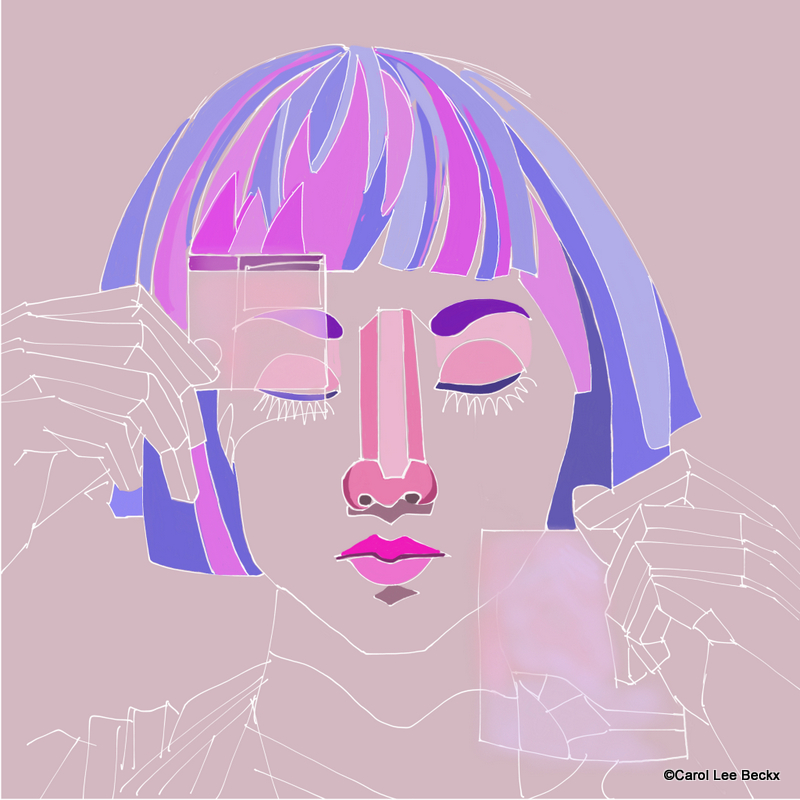
I started adding digital elements about August of that year as seen in this work with text added:
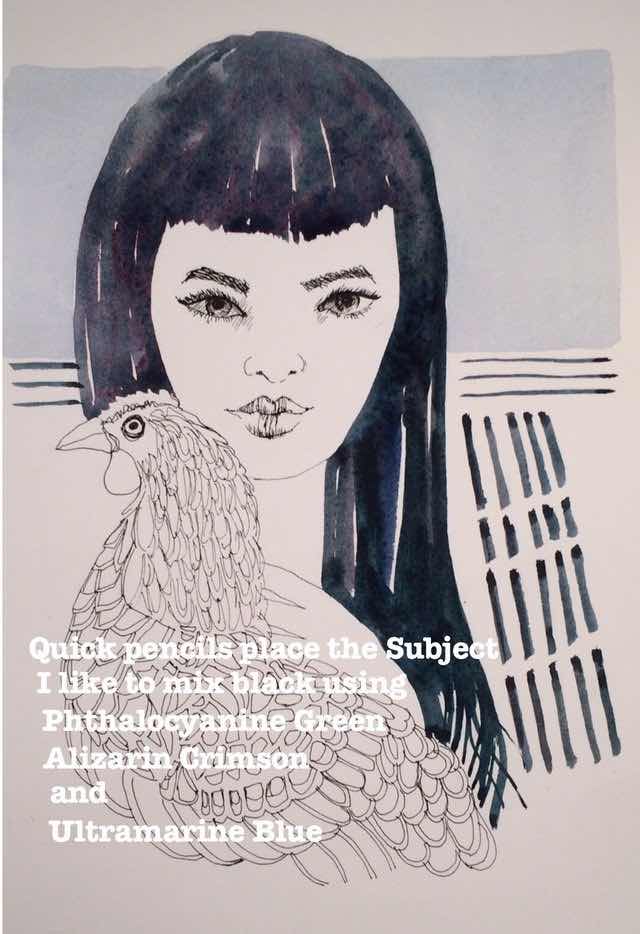

#WAXTIP 

and this digital collage:
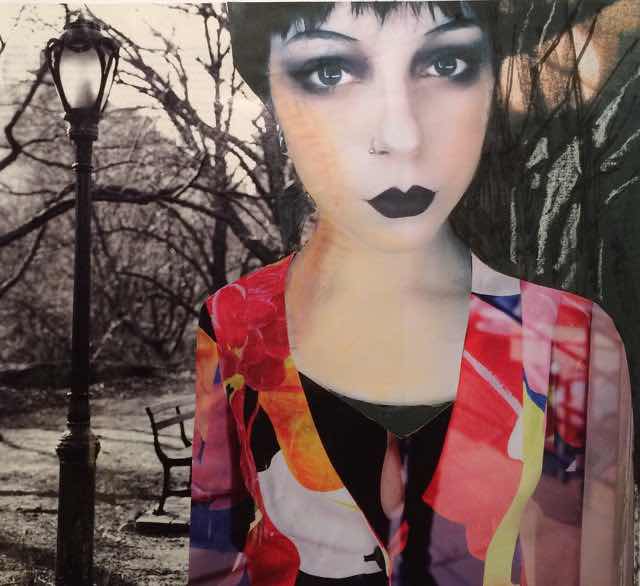

#WAXCOLLAGE


In April 2018 my digital progress made a dramatic leap forward with the release of a smaller, more affordable iPad that supported an Apple Pencil. It was definitely a game changer to have a drawing tool that was touch sensitive and very responsive. 

I have done a number of online classes with Sktchy, with various artists who have contributed so much to my knowledge of digital art, and Procreate in particular - it’s the best art app by far. 

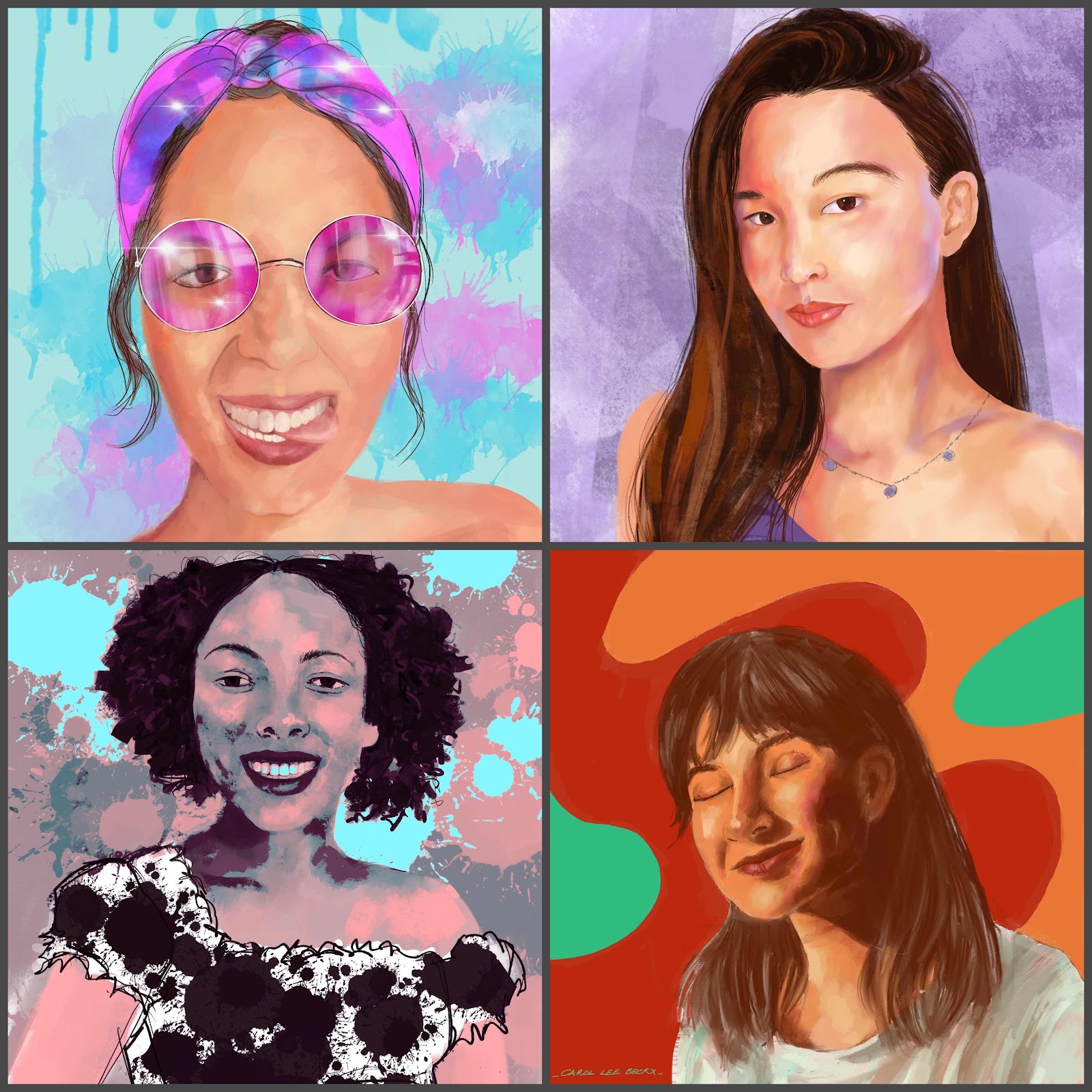
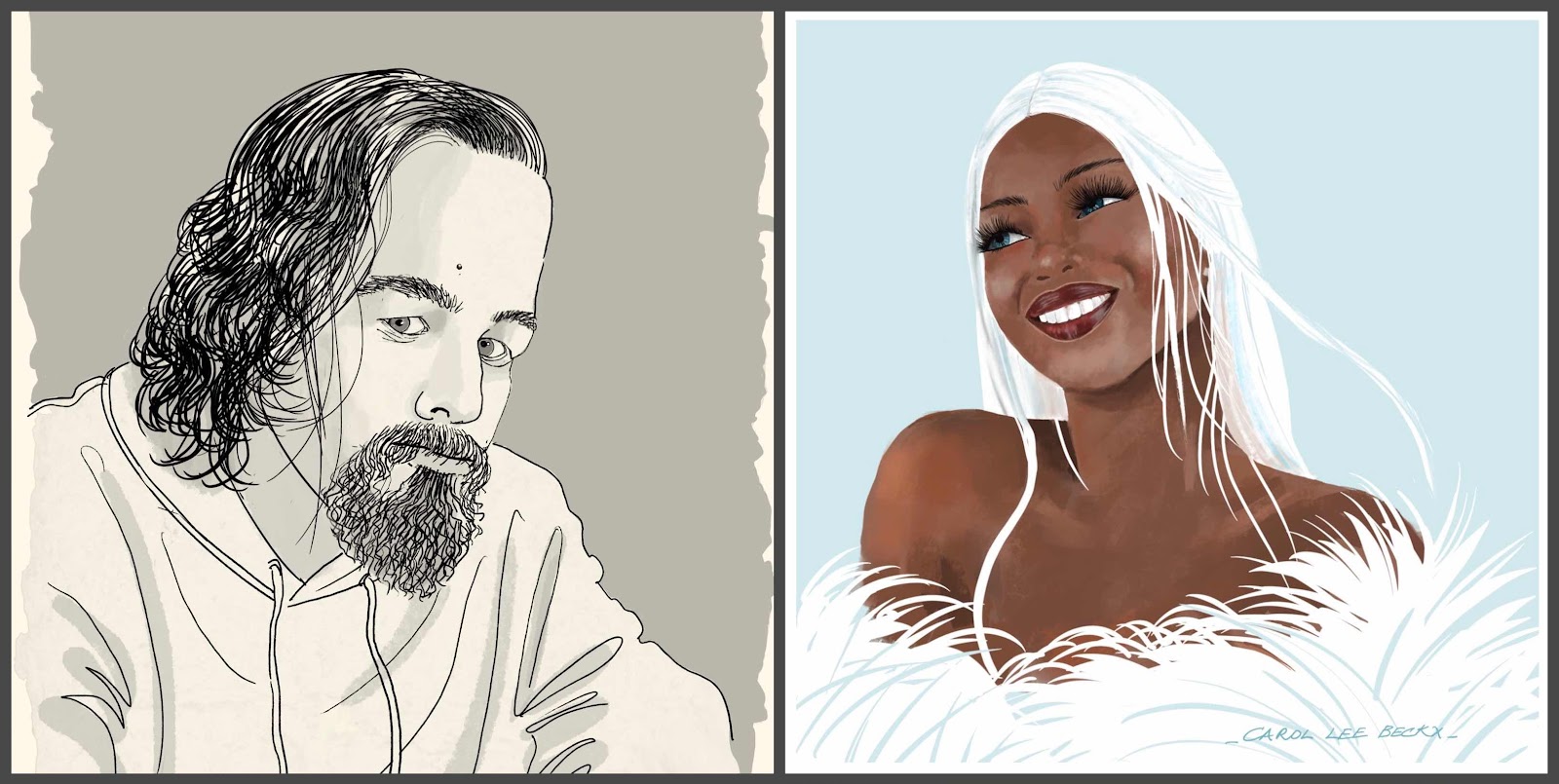
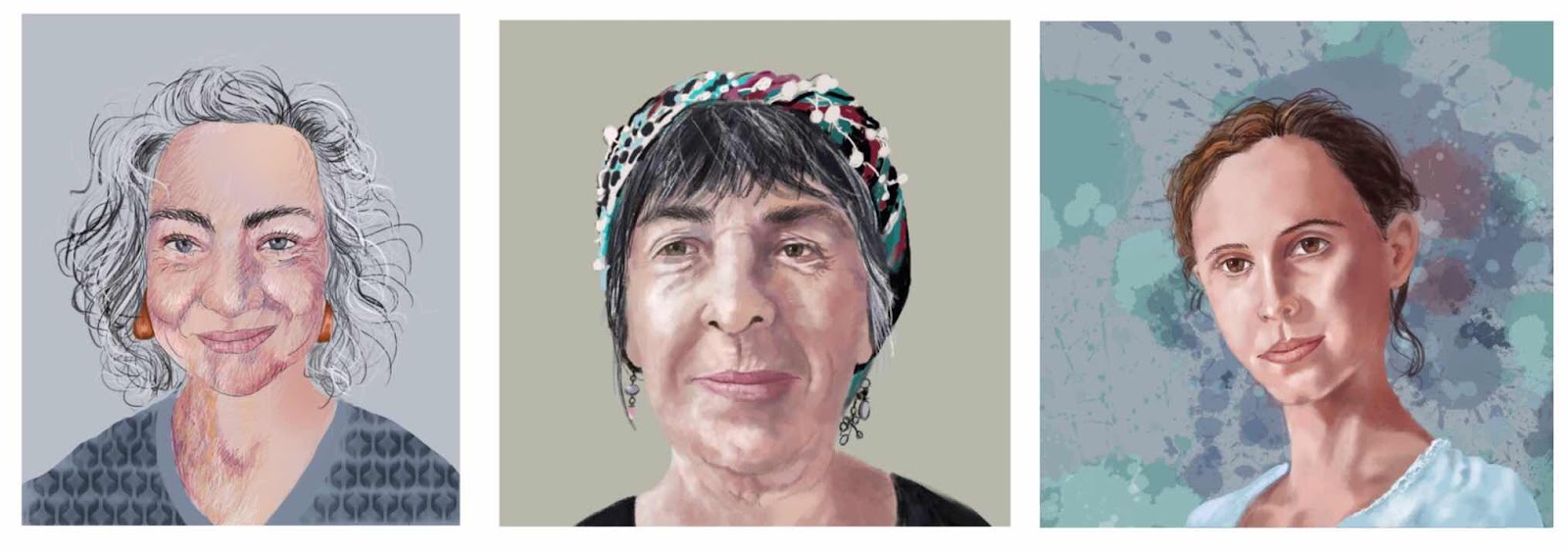
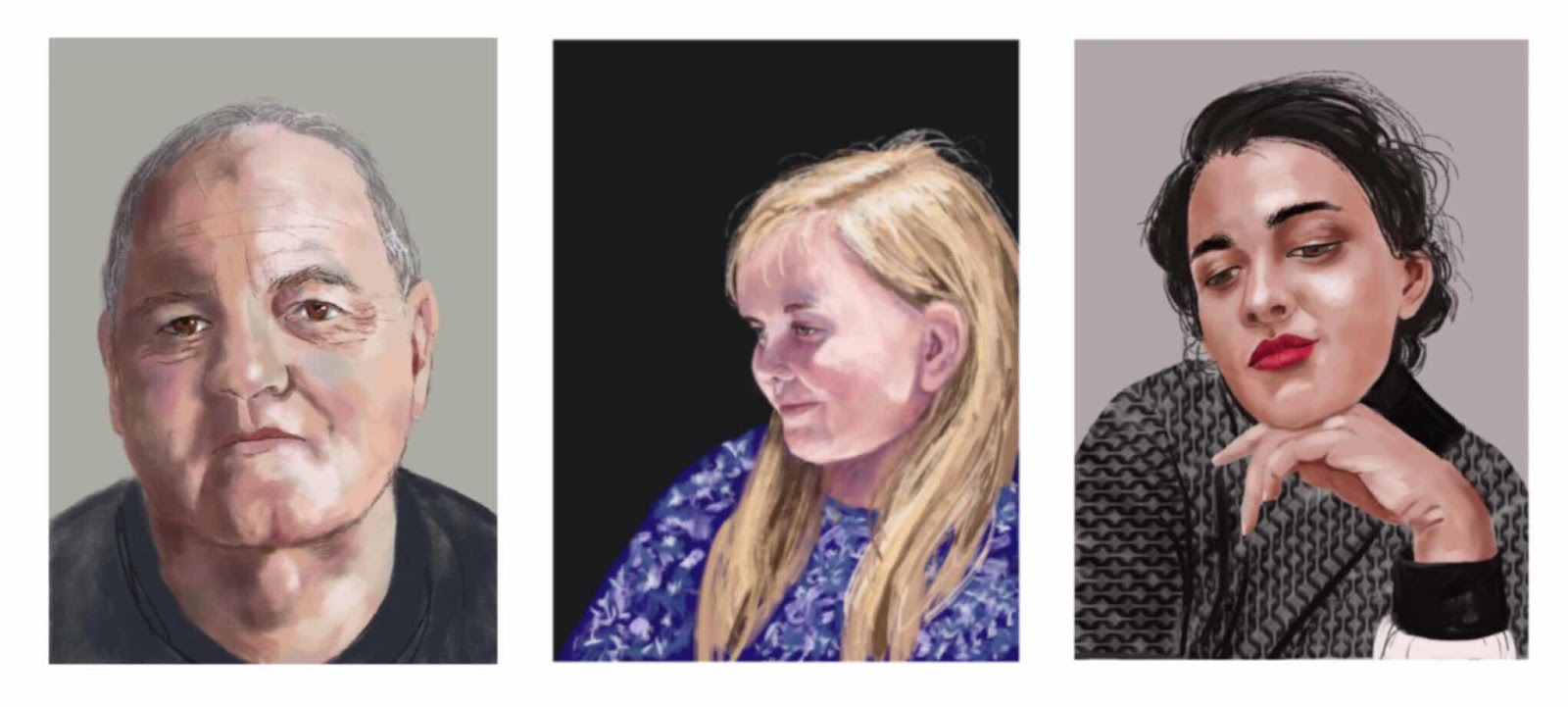
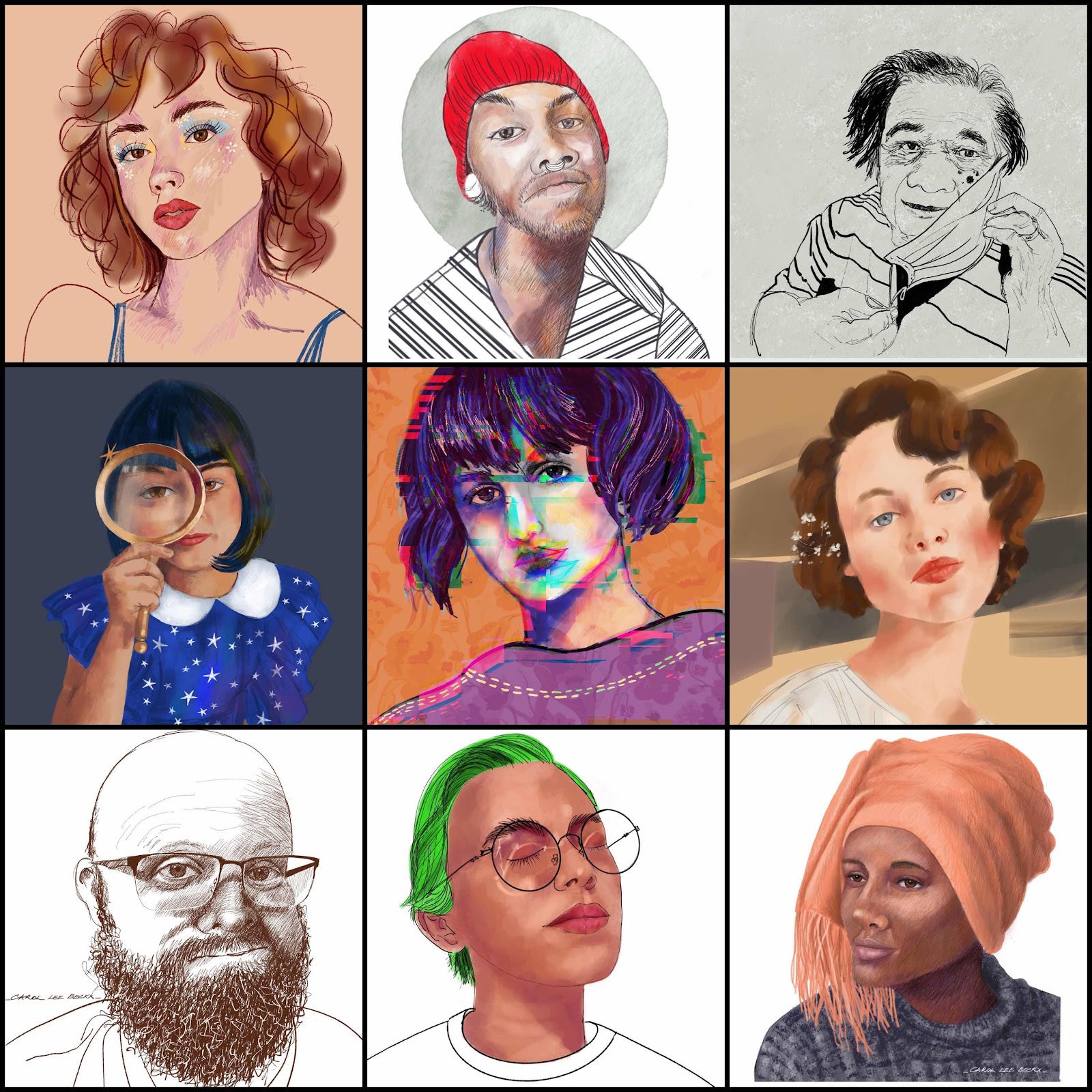
This brings me to the beginning of May and the start of #30Faces30Days. This online challenge features a daily full length video tutorial using a muse selected by the tutor and concentrating on their own unique style. Each day brings new approaches and ways of working in Procreate. It’s excellent value for money. I decided at the beginning that even if the days style/approach was not my ‘jam’ I would endeavour to complete something using the tutor’s techniques. 

So May is all about Procreate and a portrait every day. I’m very pleased that so far I have kept up and have finished a portrait every day. 
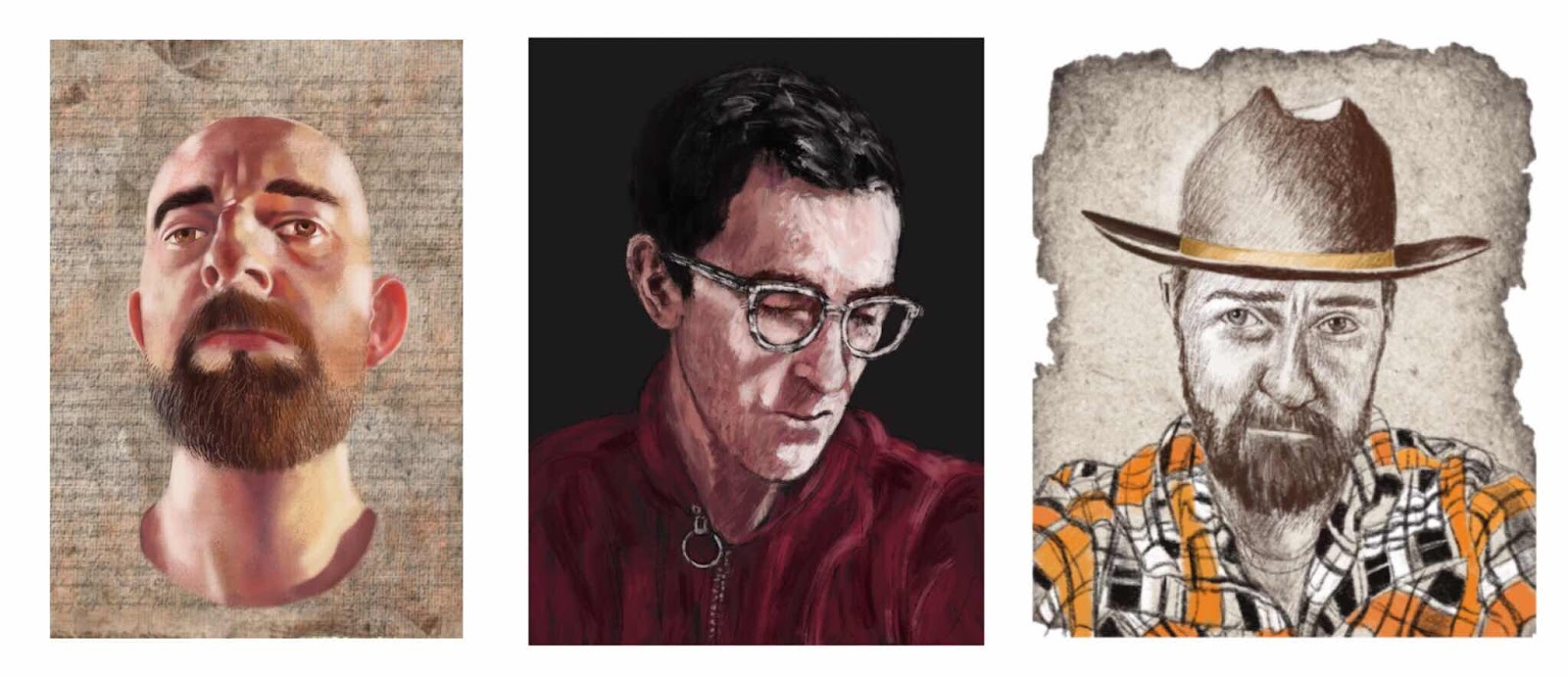
Here are the portraits up to Day 15.


Tuesday, 13 August 2019

Digital Portraits

Since the beginning of the year I have been trying to draw portraits more often. One of the easiest ways to make this happen is to do them digitally using the Procreate app. It’s so convenient to pick up an Apple Pencil and draw a few lines while waiting for something. And the clean up afterwards - well there’s none! 

Last year I upgraded my iPad Air to the  iPad 2018 and this, combined with the Apple Pencil, really is a game-changer. Previously I had been using a Jot Pro stylus which was alright but still quite difficult to use. When I look at some of these earlier portraits I can see the struggle. 

I also took a couple of online courses through Sktchy with Lisa Fillion. This improved my ability use Procreate more extensively and with more confidence. I enjoy the way I can now add textured paper to the background, move elements of the drawing around and just have a lot of fun. 

My first portrait was posted on the 18th April 2015. To date, I have completed 308 portraits.
Joan Martin was the first person to draw my attention to the app. It took me a while to “get it” but once I hooked I didn’t look back. Thanks, Joan.


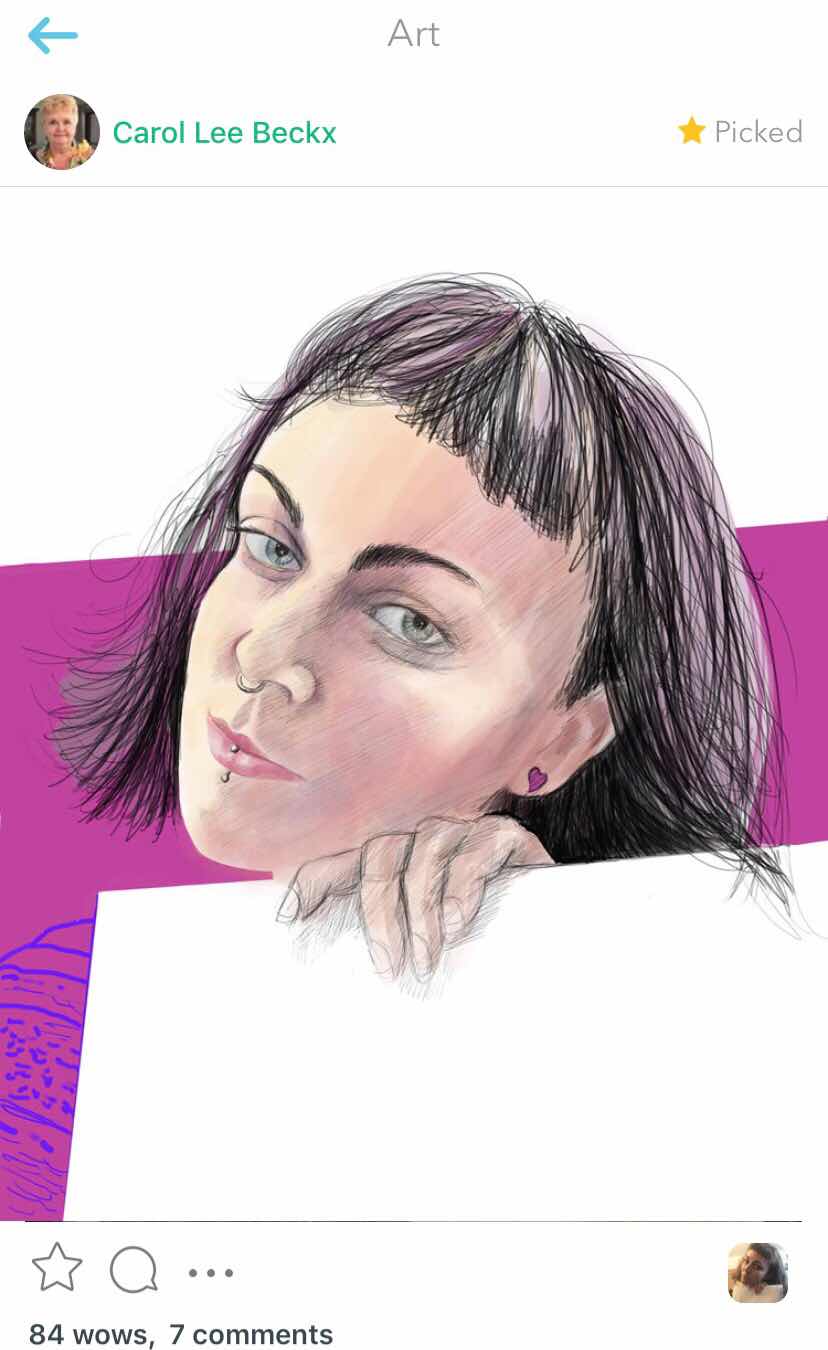
Sktchy chooses portraits that they like to be featured as a “Pick” so when one of my early Procreate portraits was chosen I was thrilled. 


The Sktchy community is one of the most supportive online groups. The muses are provide a never-ending source of inspiration and my fellow artists are generous with support and encouragement. 


Wednesday, 27 June 2018

Experimenting with digital

I can’t believe I haven’t spoken about the iPad 2018 yet!

This recent addition to the iPad lineup is most welcome. I’ve been eyeing the iPad Pro ever since it was launched some years ago and it’s always been out of reach. My budget just didn’t stretch that far. 

The 6th Generation iPad 2018 changes many things. It’s been created with educators and schools in mind, being a more affordable option while  still working with the Apple Pencil, another game changer. Schools and teachers are given a small discount and with the trade in value of my iPad Air, it was now affordable. 

The biggest difference for me is the change that the Apple Pencil makes to digital painting. Another difference is coming across a video explaining Procreate in a really clear manner. Sure you can flip through the Procreate User guide but it could as well be in a foreign language. James Julier  takes the User guide and goes through all the functions, demonstrating each process and brush setting. 

I’ve been doing a few portraits so I was pleased the RQAS Members Exhibition include a category for photography and digital art. This painting will be on show at the Exhibition which opens tonight Wednesday 27th June. 

This portrait of Kimberly (the reference is from Sktchy) combines two mediums. The portrait itself is painted using Procreate with pastel / crayon brushes and 6B pencil, superimposed on a watercolour painting Abundance painted last year.


Kimberley - digital painting 

And framed...


For the first time I remembered to take a photo of the framed painting without the glass - although I did manage include a shadow from the frame mouldings!

And a reminder of Abundance - watercolour on Saunders Waterford 


Friday, 4 March 2016

Sophia - a Portrait


My portrait of Sophia graphite on watercolour paper with digital layers

Portraits - analogue and digital

Ten months ago I first started using the Sktchy app and so far I've created 80 portraits. Some of them I've shared here as well as on Instagram. It's been a wonderful way to experiment with different mediums and techniques. I've played with ink, graphite, collage, watercolour, gouache and watercolour markers as well as oil on canvas panel. 

The colouring craze is everywhere. Some of the Sktchy artists are collaborating to publish colouring books featuring members of the  Sktchy community. This portrait from a reference photo uploaded on Sktchy as a line drawing was printed on to watercolour paper. Since the ink jet ink is water-soluble, I used gouache and ink.


Portrait with Roses - inspiration from Daniel DePeuter - inkjet print with Gouache and ink


I've had digital art apps on my phone and iPad for a long time and have fiddled around with them, never really coming to grips with the process. Finally about two months ago I decided it was time to learn. Working slowly through the manual for Procreate, I took baby steps discovering how to work in layers and exploring the many, many, tools that are available. It helped to limit myself to one or two tools at a time, trying out different widths of brushstroke and varying the opacity. 


This portrait of Ginnie Chen was done using Procreate for #WAXcubism. The different #WAX Weekend Art Extravaganza prompts are posted each weekend.  

 Ginnie Chen - Procreate digital drawing 

I love drawing in graphite so I thought, why not combine the two mediums? Sophia Olsen's portrait started as a graphite drawing which I scanned. I created a mask in Superimpose which eliminated the background completely, then uploaded the mask into Procreate. This provided the opportunity to play around while preserving the original drawing. New backgrounds and textures were added to various layers in Procreate.


Sophia Olsen - graphite and carbon pencil 

One of the features in Procreate is the video function. each brush stoke is recorded and can be played back. This video is posted in a separate post - Sophia.


Sophia - graphite on watercolour paper with digital layers